
ALL, Buying Guides, Reviews, Thermal, Thermal Monoculars
Condor CQ35L 1.0 VS CQ35L 2.0
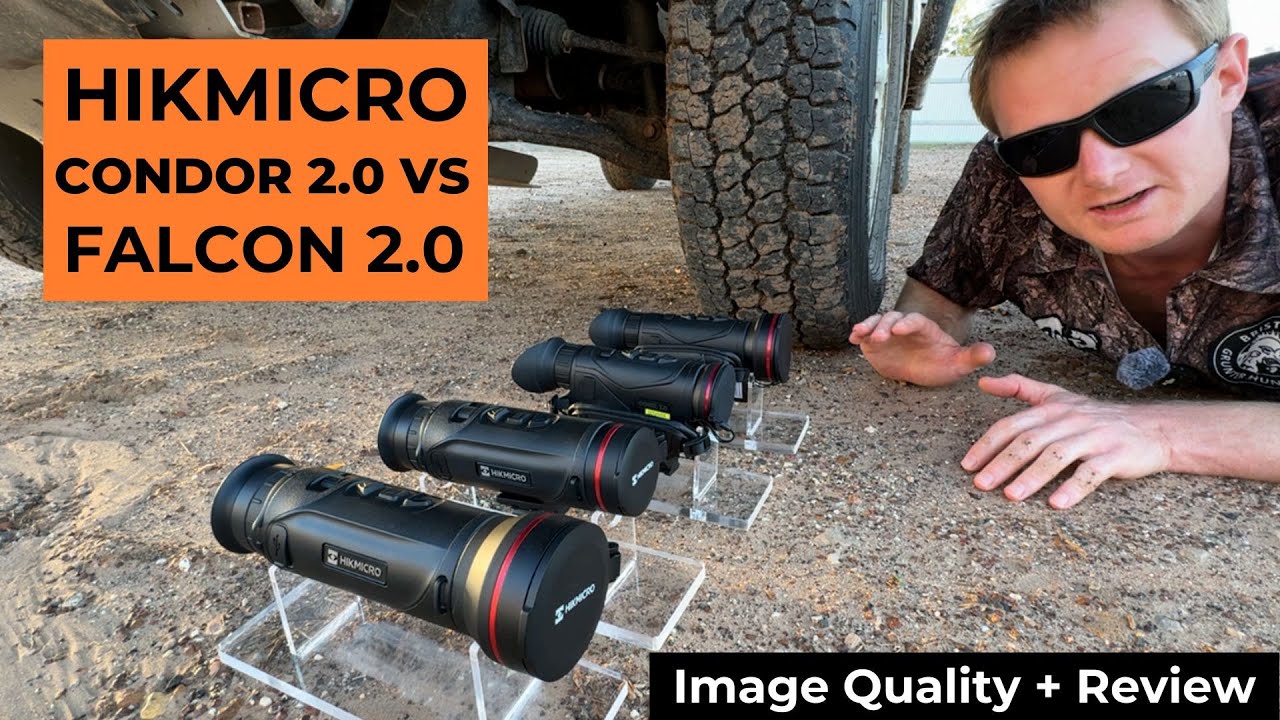

Watch either on YouTube, or read the comparison below. The original Condor review also covers mounts, powering your thermal, tablet and monitor mounts, handles and spotlights.
Head to head · Thermal monoculars
HIKMICRO Condor CQ35L vs CQ35L 2.0
Is it worth upgrading, or does the original still get the job done?
Models compared
How we compared them
This comparison brings together two of our reviews. The first is our full review of the original Condor series (CH25L, CH35L, CQ35L and CQ50L), filmed on one of the very first Condors with 5 GHz Wi-Fi. The second is our review of the Condor 2.0 and Falcon 2.0. Here we are only looking at the CQ35L from each generation.
The original has no number in its name. It is simply the Condor CQ35L, although you will sometimes see it called the Condor 1.0, including on our own product page. In this article we call it the original.
We have run both since those videos were made, and the battery figures in this article come from that testing, with the thermal connected wirelessly to a tablet.
On the recordings: the two reviews were filmed at different times. The original Condor footage was recorded in summer, in unfavourable conditions, and the 2.0 recordings show the temperature and humidity at the top of the screen. Menus and app layouts change with firmware updates, so we have left them out here and stuck to the core differences.
What has not changed
A lot of what made the CQ35L a good all-rounder carries straight over to the 2.0.
- A 640 sensor behind a 35 mm lens on both, with a nice wide field of view for those who remote mount and have the video go back to a tablet in the cab.
- Good all-rounders. Both are great for open country and thicker country while being easy to operate, whether they are on the roof or in your hand.
- A built-in laser rangefinder on both. It is much more useful than you might think, particularly for shooters who want a distance on the animal they are trying to get close to.
- 5 GHz wireless on both. The earliest units of the original Condor were 2.4 GHz only. The CQ35L we reviewed, and the one we stock now, is the 5 GHz version.
- Zoom Pro on both, which improves the image under digital zoom and makes the shape of the animal more refined.
- A lens cap that comes off and sticks to the side with a magnet.
- Replaceable, rechargeable batteries rather than a sealed internal battery.
Sensor and image quality
The original runs a 20 millikelvin sensor. The 2.0 runs HIKMICRO’s new-generation 15 millikelvin 640 sensor. Generally speaking, the lower the millikelvin rating, the better the image quality and the better a thermal performs in tough conditions such as high humidity.
That does not make the original a poor performer. Our original Condor footage was recorded in unfavourable conditions during summer, and because of the 20 millikelvin sensor it was still producing surprisingly exceptional image quality.
Overall, the 2.0 gives slightly better image quality.
Screen and handling
The screen
The difference you notice first is the screen. The 2.0 has a much larger, better round screen. HIKMICRO lists it as a 0.49-inch OLED at 1920 × 1080 on the CQ35L 2.0.
Controls
The 2.0 has one-handed operation, with good button placement and a conveniently placed wheel for quick focusing of your image. On the original, the focus ring is at the front and the eye adjustment at the other end. The original’s charging port is on the side, which is good for remote mounting because it is not underneath and getting in the way.
Weight
The 2.0 is extremely light and easy to operate, and awesome for handheld use. HIKMICRO lists the CQ35L 2.0 at 458 grams with the battery.
Battery life: the 2.0’s clear win
This is the biggest practical difference between the two. The original takes 18650 batteries. The 2.0 has moved to 21700 rechargeable batteries, which are becoming standard and are readily available, used in torches and other electronics.
What we got
Connected wirelessly to a tablet, the original Condor gives about 2 to 3 hours per battery in our testing. The Condor 2.0 gives about 5 hours per battery.
The original comes with three batteries, two in the case and one inside the unit, so across the three you get around six to eight hours.
Why the paperwork says more
The published figures are higher because they are measured differently. On the original, the figure on paper is all three batteries combined, without Wi-Fi engaged. On the 2.0, HIKMICRO rates the CQ35L 2.0 at 6.5 hours or more, at 25 °C with Wi-Fi, Zoom Pro and the rangefinder on. Neither is directly comparable with our testing over a wireless connection to a tablet.
No proprietary batteries
The upside on both is that they use common batteries. With a lot of units, the batteries are proprietary, made by the manufacturer, so if they ever stop making that battery you are not going to be able to get new ones. With units that use 18650s, 21700s or similar, you are always going to be able to get them, because so many devices use them. I do prefer the Nitecore batteries. They perform better, in my opinion.
Wireless and hardwiring
Both Condors can sit on the roof and send their picture back to a phone or tablet in the cab over Wi-Fi, and both can be hardwired. Where they differ is what you can hardwire them to.
Over wireless
Wirelessly, you can change settings, zoom in and out and record from the tablet. On the original, the image coming over 5 GHz was some of the best I had seen over wireless. I would say about 95% of what you see through it, with no lag or glitching, even with the stereo on and driving through a street in town full of Wi-Fi connections. 5 GHz lets the thermal send a higher quality image and avoid the interference we get on 2.4 GHz from things in the vehicle like the stereo.
The 2.0 is slightly better again, and its wireless is slightly more stable. With the correct tablet for the job, it works flawlessly, with no noticeable delay or glitching, and the image quality over wireless is almost indistinguishable from what you see through it.
Hardwiring the original to a monitor
The original can be hardwired to a monitor, like a small TV. It performed very well hardwired, with amazing image quality, and you remove any potential wireless issues. The catch is that you need a monitor setup, you have to run more cables, those cables can get damaged, and a monitor on its own gives you no control over the thermal, which makes it hard to use and adjust settings.
The workaround on the original is to connect your phone or tablet to the thermal’s Wi-Fi at the same time. You can change settings, zoom in and out and record from that device, while a stable video feed goes through the cable to the monitor.
Hardwiring the 2.0 to a tablet
The 2.0 cannot be hardwired to a monitor. Instead, it hardwires to your tablet, which is handy if you have wireless issues or a tablet without stable wireless. That is right, not to a monitor, but to your tablet. We found the best combination of 8K cables and adapters to get the best image quality and charge your thermal and tablet at the same time.
There are pros and cons at this time. You need a hardwiring kit, and right now you cannot adjust settings through the tablet. It is just a video feed. When we filmed the 2.0 review, this only worked with a third-party app called CamX. HIKMICRO is looking to improve that. Does it give you a better image than 5 GHz wireless? Only time will tell as the apps and firmware get upgraded.
Getting the right tablet
Whichever way you connect, the tablet matters. This applies to the latest thermals and monoculars, not just the Condor. You need a modern tablet with a USB-C port, preferably no more than a year or two old.
We have tested well over a dozen tablets with all the latest thermal monoculars, and reliability varies greatly, even with 5 GHz thermals, which are significantly better and less likely to have interference. The key is the right tablet and the right thermal.
- iPad Pro M5. In our testing, the only truly perfect device for remote mounting. It has been flawless for customers and in all our testing.
- Other iPads. All models below it have had reliability inconsistencies, and the iPad A16 is the absolute worst. Some people may or may not have night-to-night problems on the other tablets, so it is a bit of a gamble buying even an iPad Air or iPad Mini, even the latest generation.
- Samsung. The cheaper tablets have reliability issues. The high-end tablets work significantly better, with the S9 or higher the pick of them. I still have more trust in the iPad Pro M5.
If you have trouble getting connected, our thermal app and WiFi connection guide walks through the fix.
Side by side
| CQ35L | CQ35L 2.0 | |
|---|---|---|
| Sensor | 640 | 640 × 512, 12 µm |
| Thermal sensitivity | 20 mK | ≤ 15 mK |
| Objective lens | 35 mm F1.0 | 35 mm F1.0 |
| Base magnification | 2× | 1.9× |
| Laser rangefinder | Built in | Built in, up to 1,000 m |
| Wi-Fi | 2.4 or 5 GHz, switchable (the earliest original units were 2.4 GHz only) | |
| Hardwire to | A monitor | A tablet only (video only for now) |
| Battery | 18650, three in the box | 21700 |
| Run time per battery, our testing (wireless to a tablet) | about 2 to 3 h | about 5 h |
Condor CQ35L or CQ35L 2.0?
Overall, the Condor 2.0 is a little bit better than the original. You get a bigger, better round screen, Wi-Fi that is slightly better and slightly more stable, slightly better image quality and, in our testing, a lot more run time out of each battery. It hardwires to a tablet rather than a monitor, although for now that is just a video feed.
The original Condor CQ35L is still a very capable 640 device. It is great value for money and comparable to similar devices in that price category with 640 sensors. The original will get the job done.
The 2.0 is a better long-term investment. In the end, it is up to you to decide how you plan to use it, what you hope to get out of it, and to weigh up the pros and cons. If you want to talk it through, send us a text on 0468 095 851.
Weighing up the Falcon as well? Our Falcon 2.0 review covers it, and our thermal mounts guide goes through getting your thermal on the roof.
Why we do these
What Bristle Up stands for
We put a huge amount of time into doing proper in-depth reviews across all the major brands, as well as the new and upcoming ones. It is not about trying to sell you whatever happens to be sitting on the shelf. It is about giving you the best advice we can, understanding what you actually need the device to do, and helping you get the right product and the best value for money.
That means brutally honest advice, getting your gear to you quickly, usually within two to four days across Australia, and backing you up after the sale. If you are unlucky enough to have warranty issues and you need your thermal for an upcoming trip or for work, we provide loan units to get you out of trouble.
We have built an awesome little team in Yuleba in Queensland, and something I am particularly proud of is that Bristle Up is creating real jobs in a rural town. When you support us, you are helping support country jobs and the families behind our team as well.
Shop the two Condors
Prices and stock are on the product pages. If you are stuck between the two, text the team on 0468 095 851 and tell us how you plan to use it.
Condor 2.0 series (CQ35L and CQ50L) · Thermal mounts guide · WiFi connection guide
Still deciding?
Talk it through with us
Tell us the country you hunt, whether it is going on the roof or staying in your hand, and what tablet you are running, and we will tell you straight whether the original does the job or the 2.0 is worth it.
Text us
0468 095 851
Copy our number and send us a text from your phone. Tell us the country you hunt and how you plan to use it.